Any facility.
Complete intelligence.


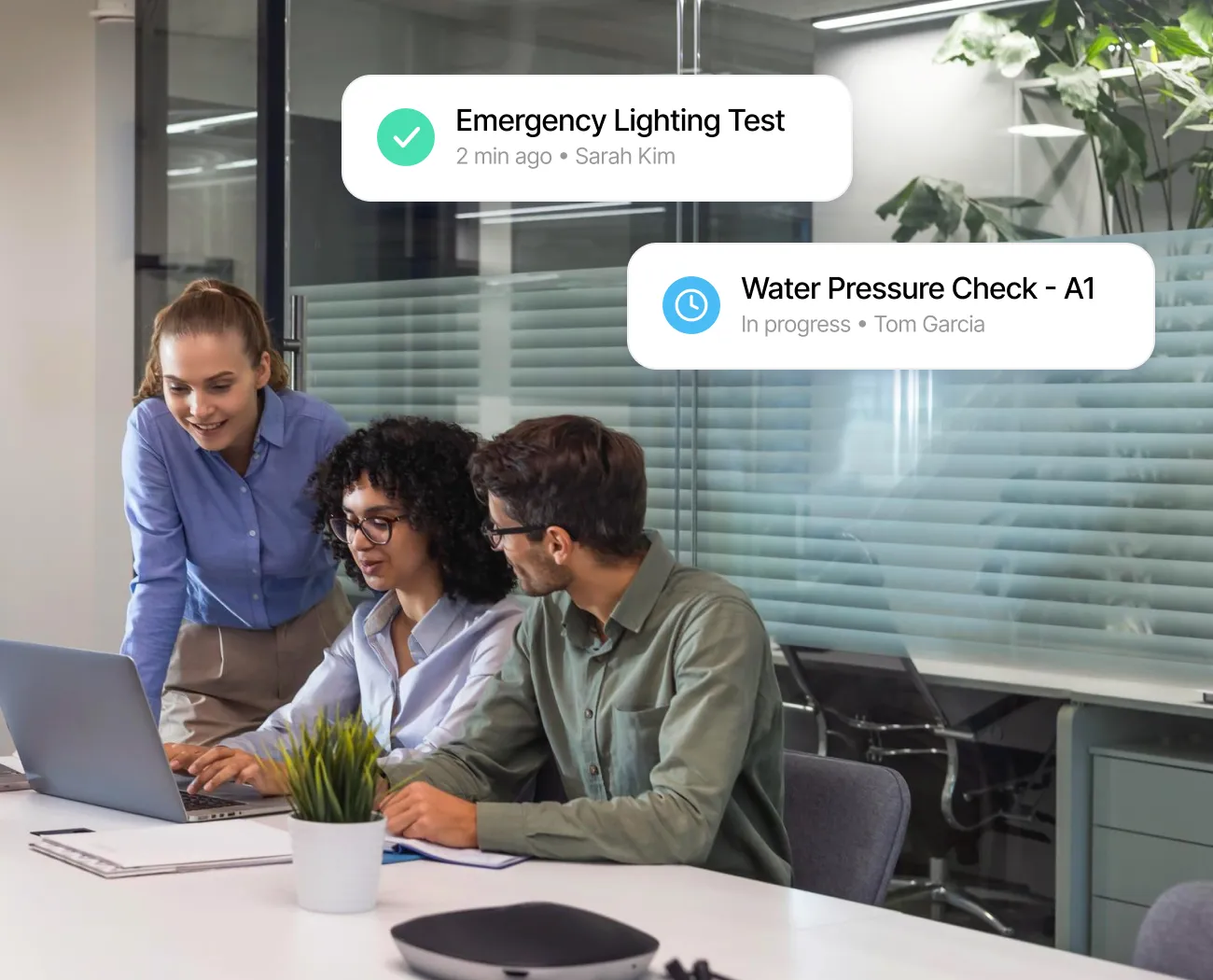
Open the app, work through each item, capture photos. GPS and ID verify who completed the check and where.
See live progress across all inspections. When an anomaly surfaces, it includes photo evidence and location data needed to act immediately.


Inspection data flows into building systems and other capabilities, turning every routine checklist into facility-wide intelligence.
The right digital checklist software does more than replace paper. It verifies that every inspection happened, surfaces issues the moment they appear, and connects field observations to the systems that drive resolution.
Every inspection captures GPS-verified locations, timestamped photos, and identity-confirmed completion. When auditors need proof, records are organized and exportable.
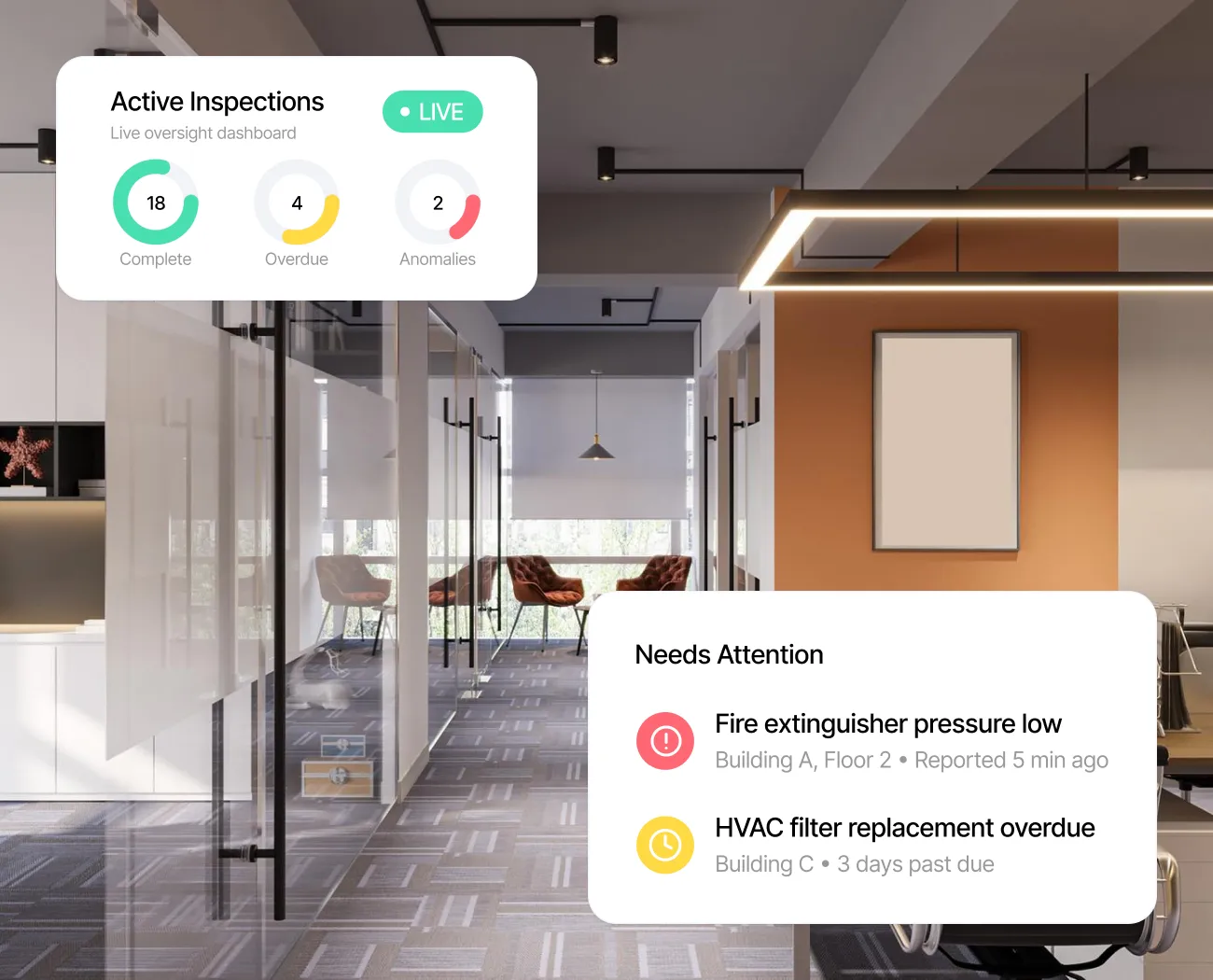
See which inspections are complete, which are overdue, and where anomalies need attention. Full visibility across every active inspection, so you focus on what matters.
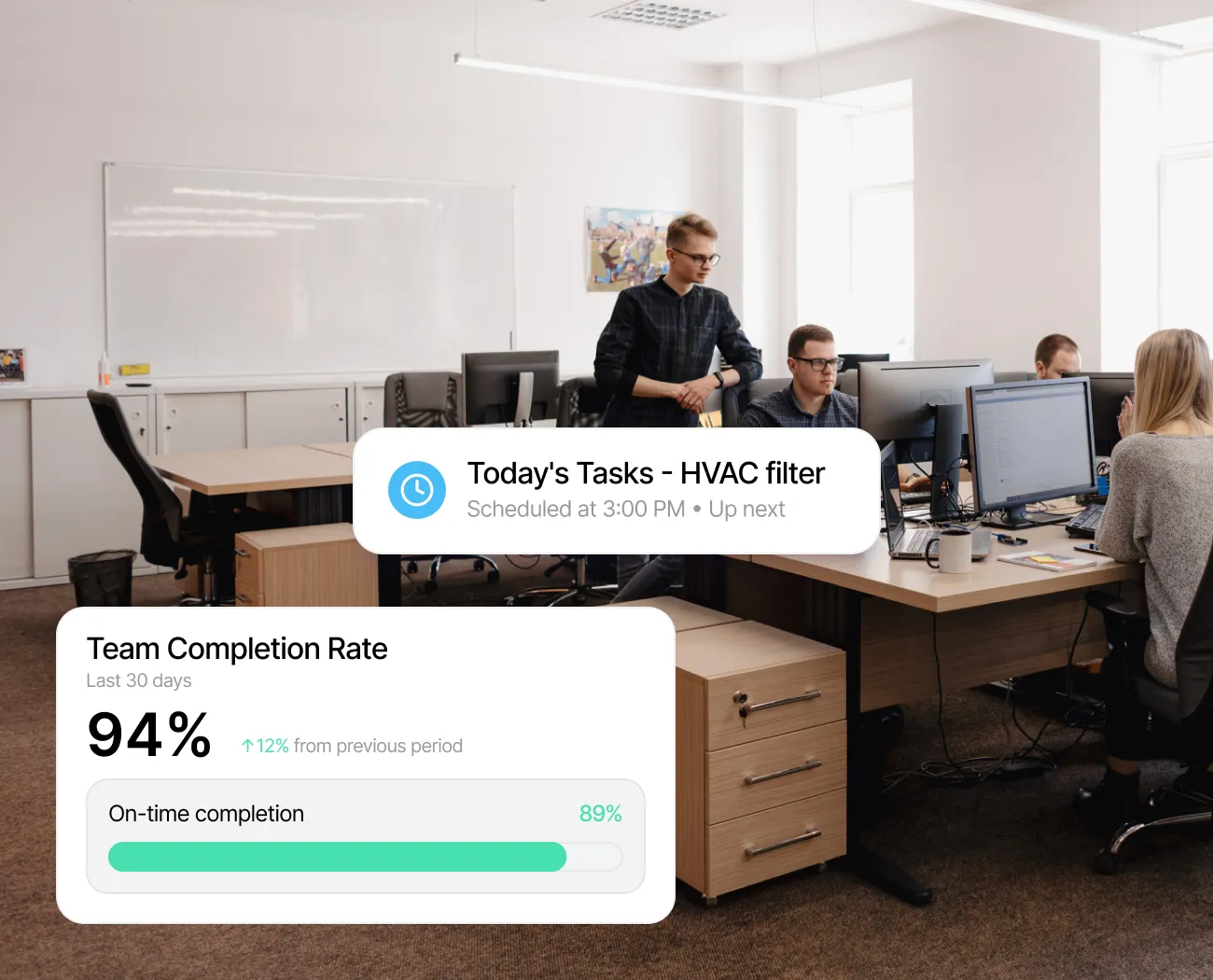
Mobile-first design that works without connectivity. Inspections arrive pre-assigned and scheduled to fit existing routines. Simpler experience, higher completion rates.
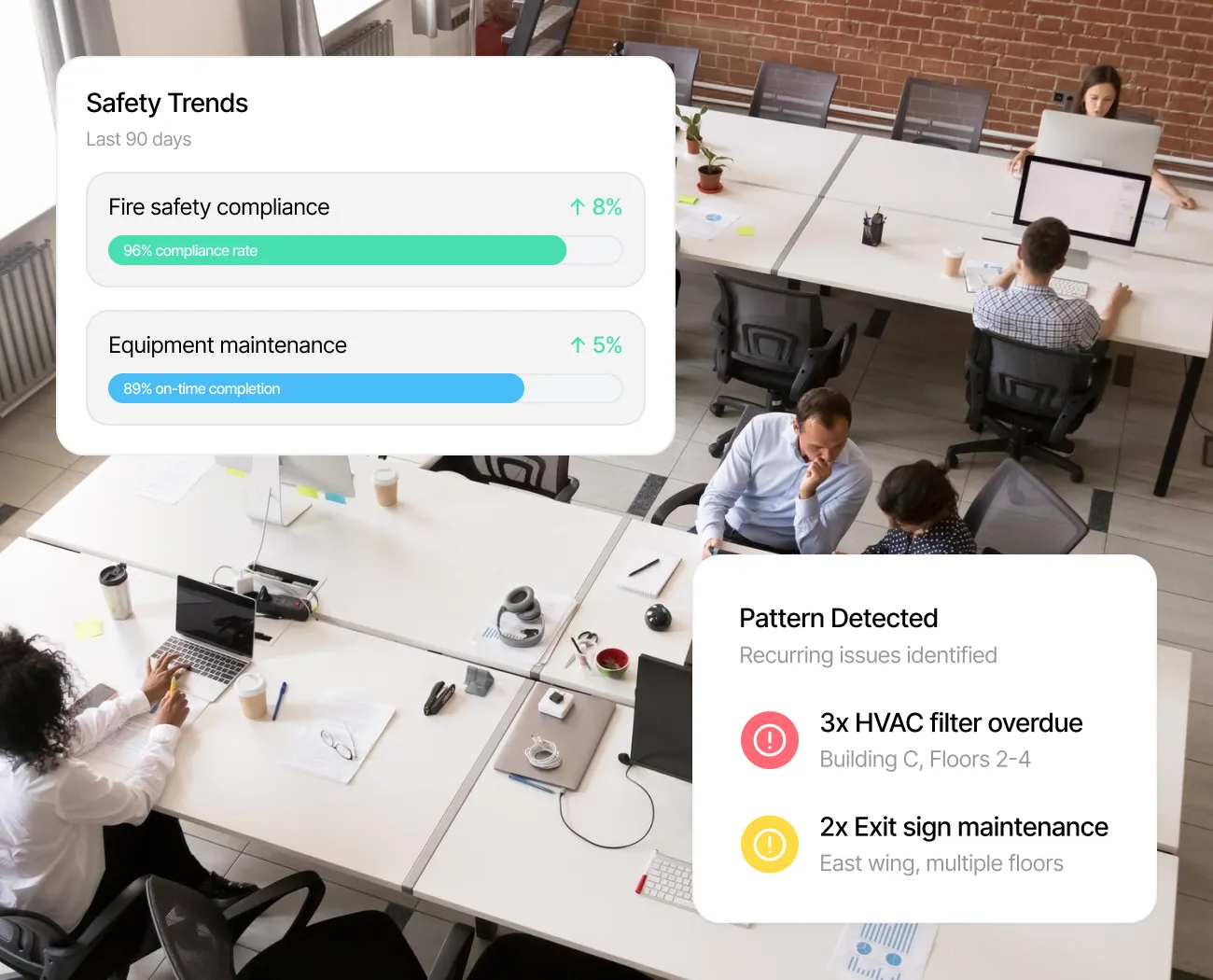
Inspection data reveals patterns across locations, teams, and time periods. Leadership gains continuous visibility into operational health, safety trends, and resource allocation.
The essentials every digital checklist needs for thorough facility inspections, plus capabilities that only a connected platform can offer.
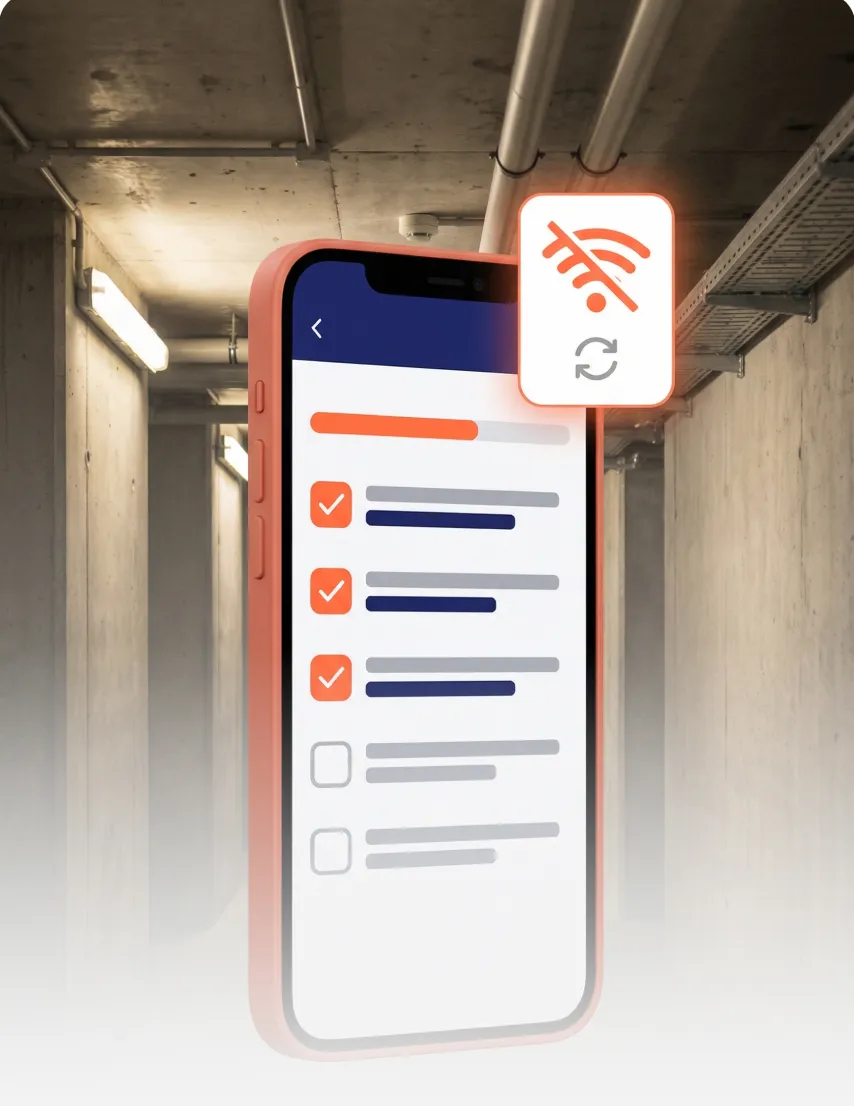
Complete inspections on any device. Your team works through checklists on their phones, right where the inspection happens.
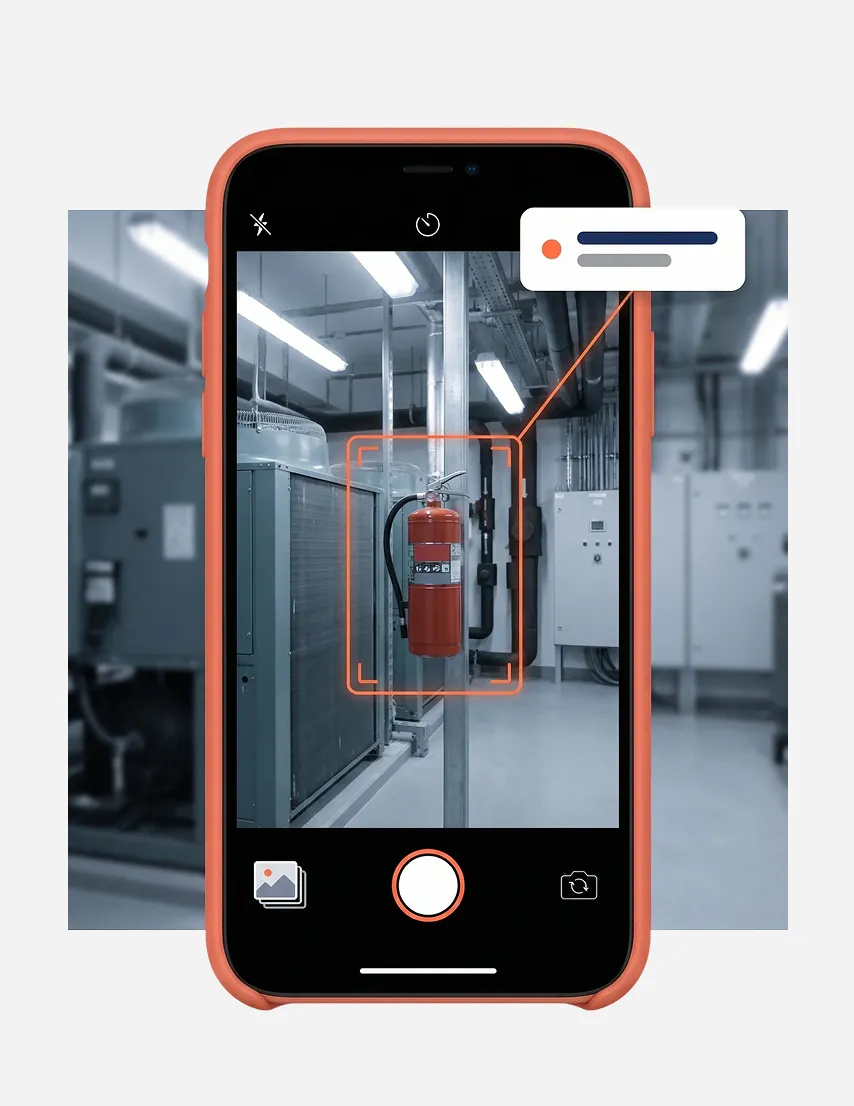
Capture conditions as they are. Photos, videos, and annotations become part of the permanent inspection record.
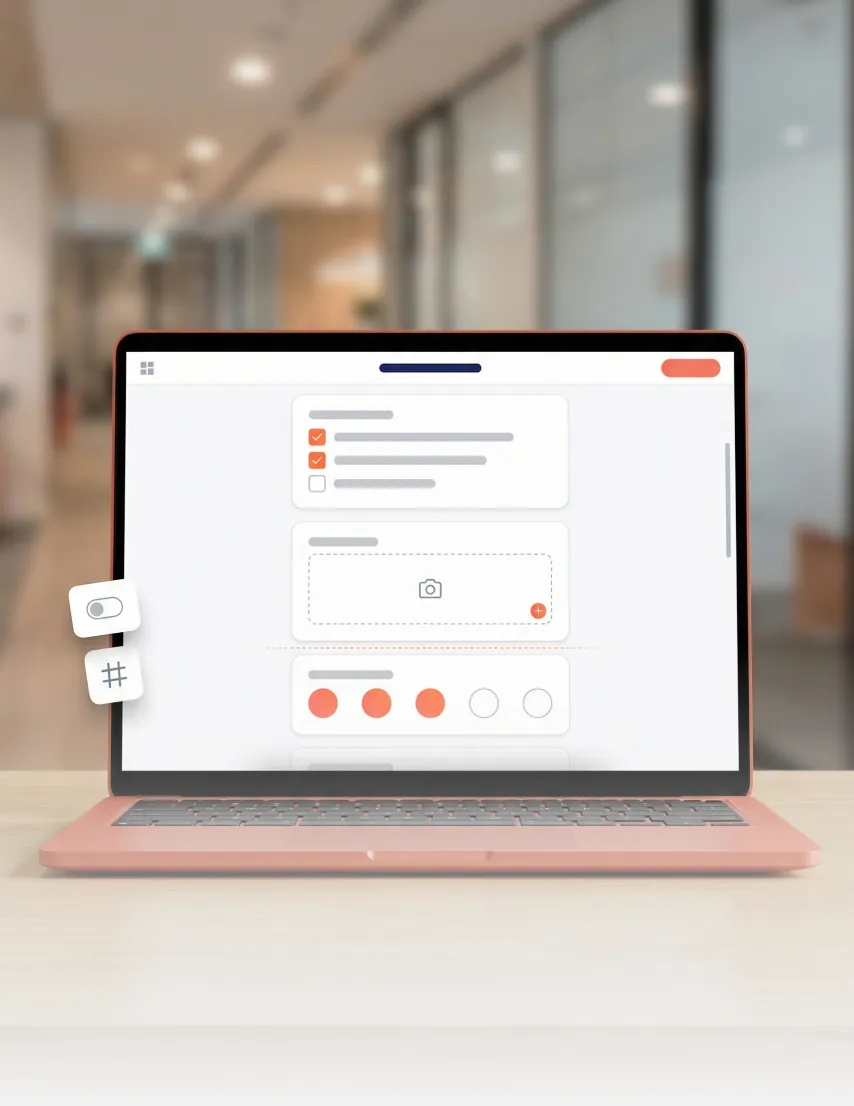
Build templates for any inspection type, from walkthroughs to audits. Assign by location, frequency, or team.
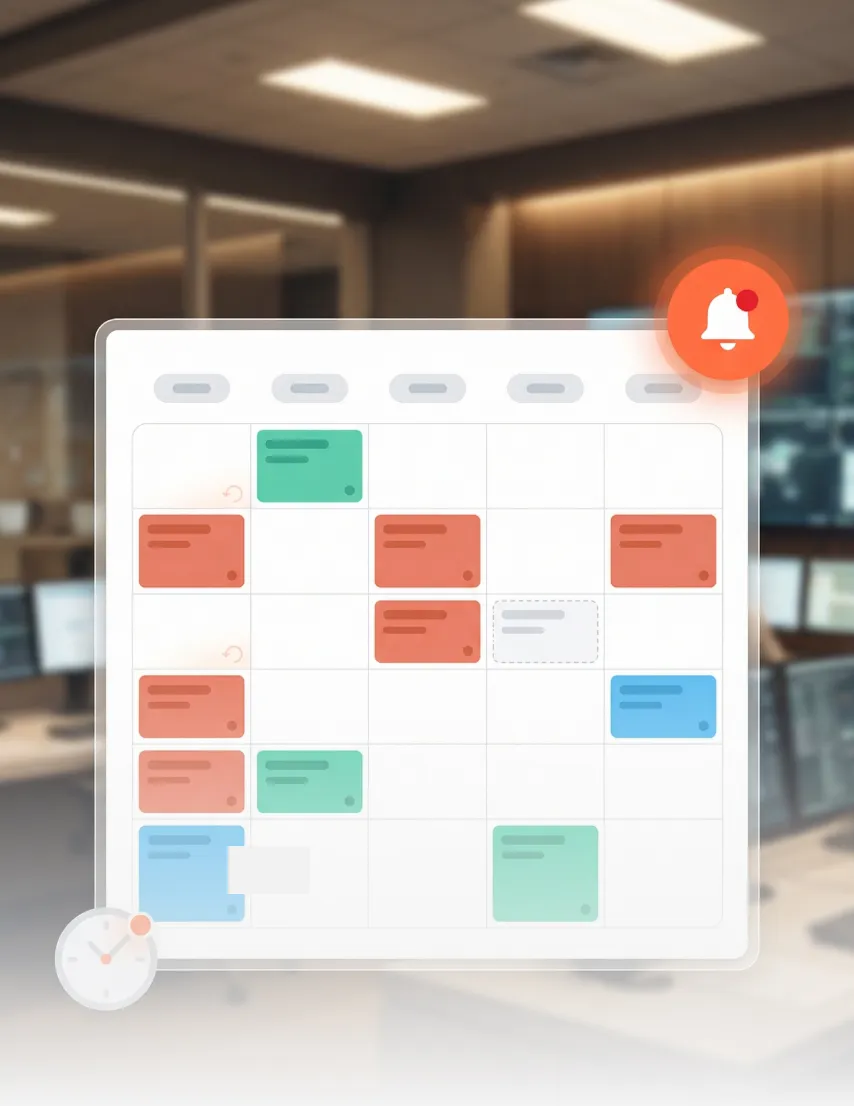
Set schedules once. The system assigns to the right people at the right time, with reminders before deadlines.

Employee ID, GPS positioning, and face recognition confirm who completed each inspection and where.

Flagged issues auto-create service requests with full context. Resolution is tracked through to completion.

Different roles depend on inspection data in different ways. Here is how verified digital checklists deliver value, from the teams completing checks to the leaders tracking operational health.
Know which inspections are done, which need attention, and where patterns are forming. Your dashboard brings clarity across every inspection and location.
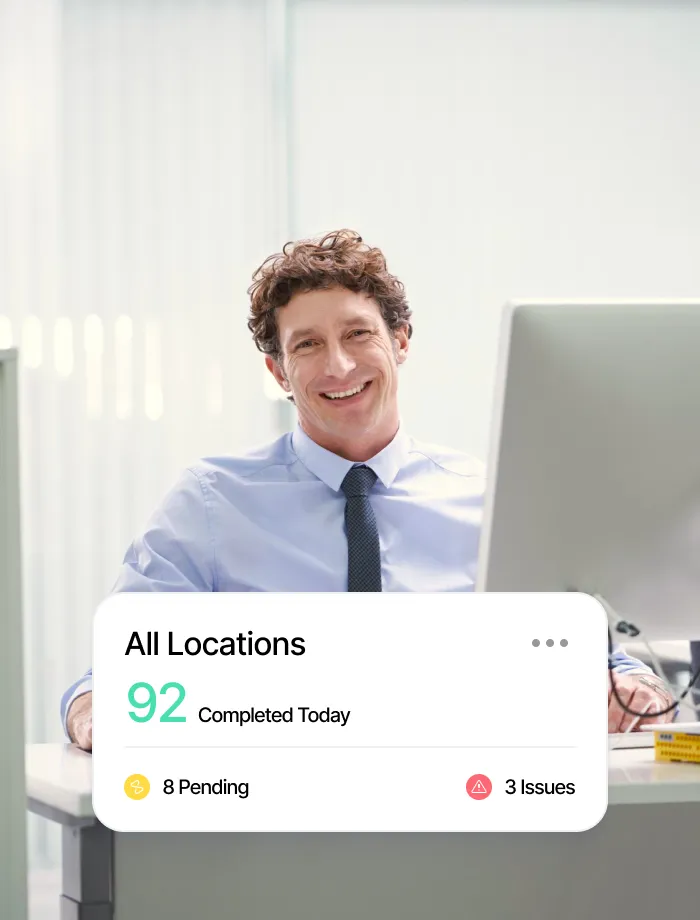
Every inspection includes GPS verification, timestamped photos, and identity confirmation. Compliance reporting pulls from a single, current source of truth.
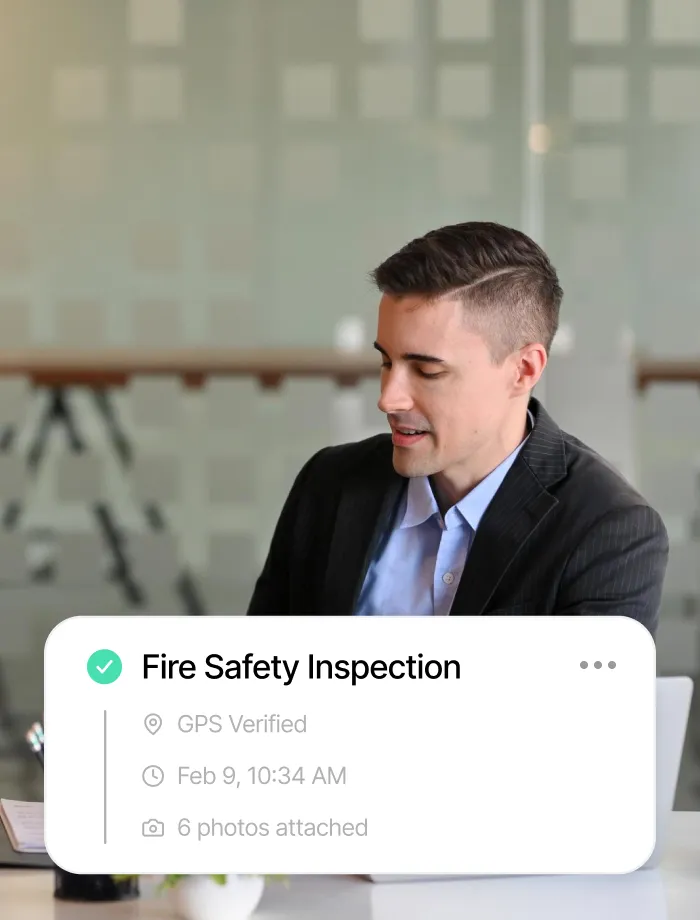
Open the app, complete assigned items, capture photos, submit. Checklists work on mobile, so inspections get done wherever your work takes you.
From daily walkthroughs to regulatory audits, digital checklists adapt to the inspection routines that keep your facility safe, compliant, and running.
Guard patrol rounds, perimeter checks, access point verification, and emergency equipment inspections. Every security walkthrough is verified with GPS and identity confirmation.
Cleanliness audits, restroom checks, common area inspections, and washroom supply monitoring. Photo evidence captures conditions as they are, creating accountability across shifts.
Server room environmental checks, lab compliance verification, clean room protocols, and data centre inspections. High-stakes areas get the verification rigor they demand and the relevant audit trails they need.
HVAC system inspections, electrical panel checks, plumbing walkthroughs, and equipment maintenance rounds. When an issue is found, a service request is created automatically.

Your existing building and enterprise systems stay exactly where they are. Apptimus connects to them, so inspection workflows coordinate with the rest of your facility stack.




Facility inspection software replaces paper checklists with digital workflows on mobile devices. It captures photo evidence, verifies identity and location, and creates automatic audit trails. Advanced solutions connect results to service requests and asset management for closed-loop compliance.
GPS-verified locations, timestamped photos, and identity-confirmed completion create audit-ready records automatically. There is no gap between completing an inspection and documenting it. When auditors need evidence, every record is organized, searchable, and exportable.
When an inspector flags an anomaly, the system creates an automated service request with full context, including photos, location data, and inspector notes. The appropriate maintenance team is notified immediately and assigned the task. Resolution is tracked through to completion, and the outcome is recorded in the asset's maintenance history.
Most organizations go live with digital checklists in 2-3 weeks. Start with a single facility or zone, validate the workflow with your team, then scale across operations. Our team handles configuration, template setup, and training.
ISO 27001:2022 and SOC 2 compliant, trusted by Fortune 500 organizations. All digital checklist data is encrypted in transit and at rest, with role-based access controls and audit logging. Enterprise deployments include data residency and tenant isolation for regional compliance.
Yes. When an inspection flags an issue, a service request is created automatically with full context, including photos, location, and inspector notes. The assigned team is notified, resolution tracked to completion, and outcomes recorded in the asset's history.
Privacy is important to us, so you have the option of disabling certain types of storage that may not be necessary for the basic functioning of the website. Blocking categories may impact your experience on the website. More information