Any facility.
Complete intelligence.



Search for a room or colleague by name in the mobile app. The floor map highlights the exact location and walking directions begin with a single tap.
Open the mobile app to see interactive floor maps with routes to any room or colleague. Every route reflects live desk bookings and room schedules.


Connects to your booking and visitor systems so every route reflects the facility's real state. Navigation is one layer of a living digital twin.
Navigation touches every person who walks through your facility, from patients finding a department to students crossing a campus. Here is what changes when it connects to your booking, visitor, and scheduling systems.
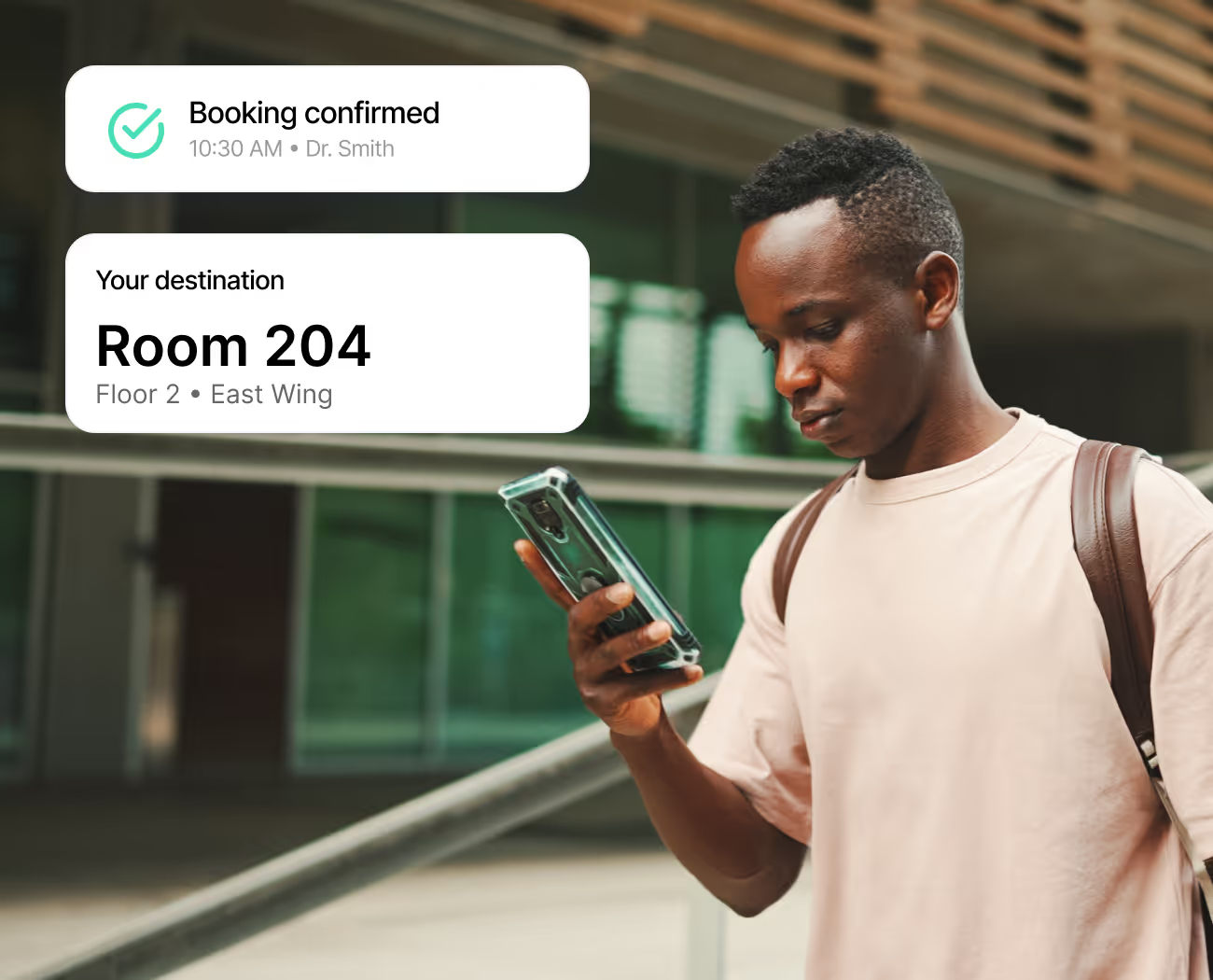
Your facility guides people to their destination the moment they open the app. Floor maps reflect live bookings and schedules, so patients, students, and new arrivals navigate as confidently as regulars.
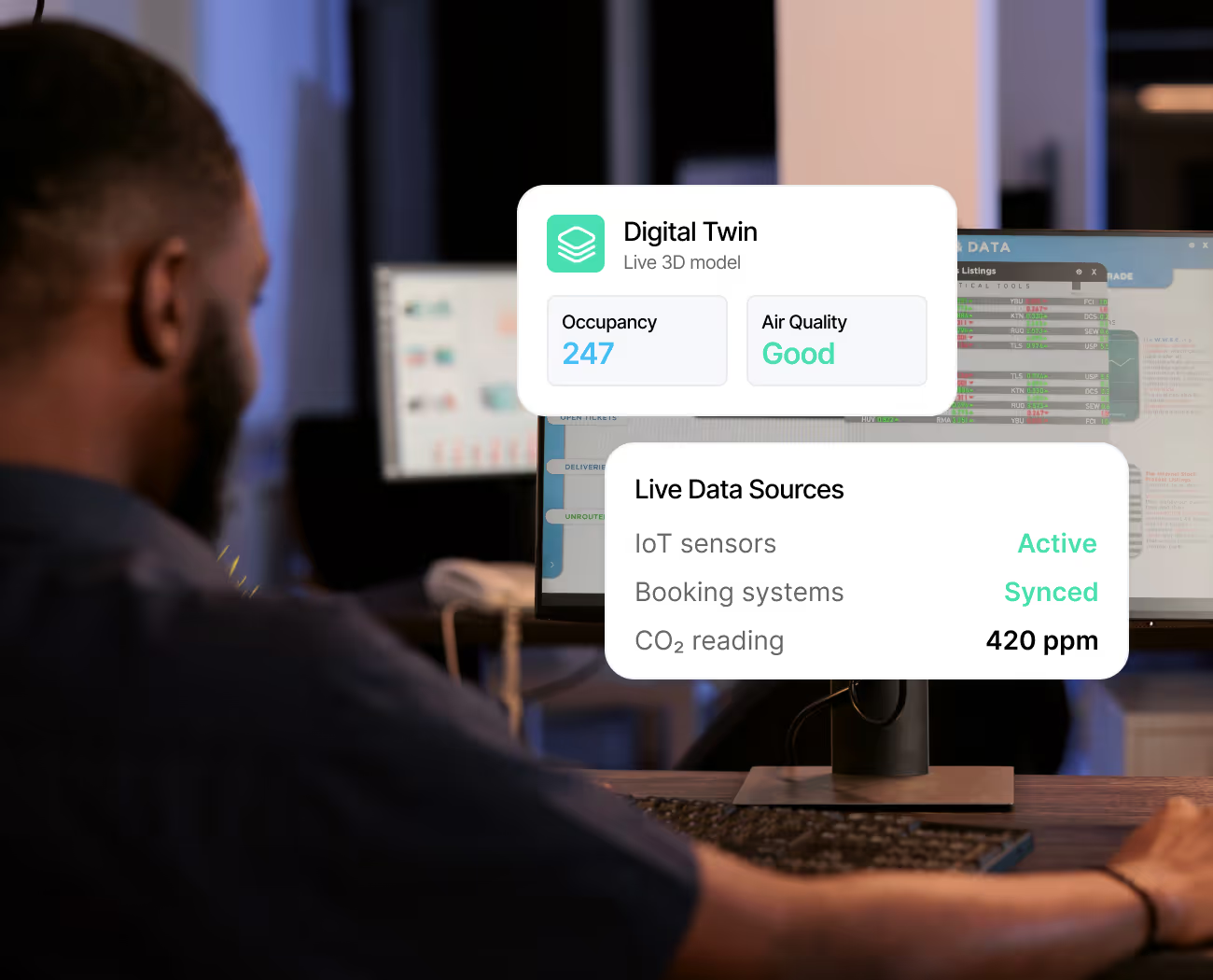
Your facility team sees every floor as a living 3D model with real-time occupancy and air quality data. The digital twin stays current across hospital wings, campus quads, and towers alike.
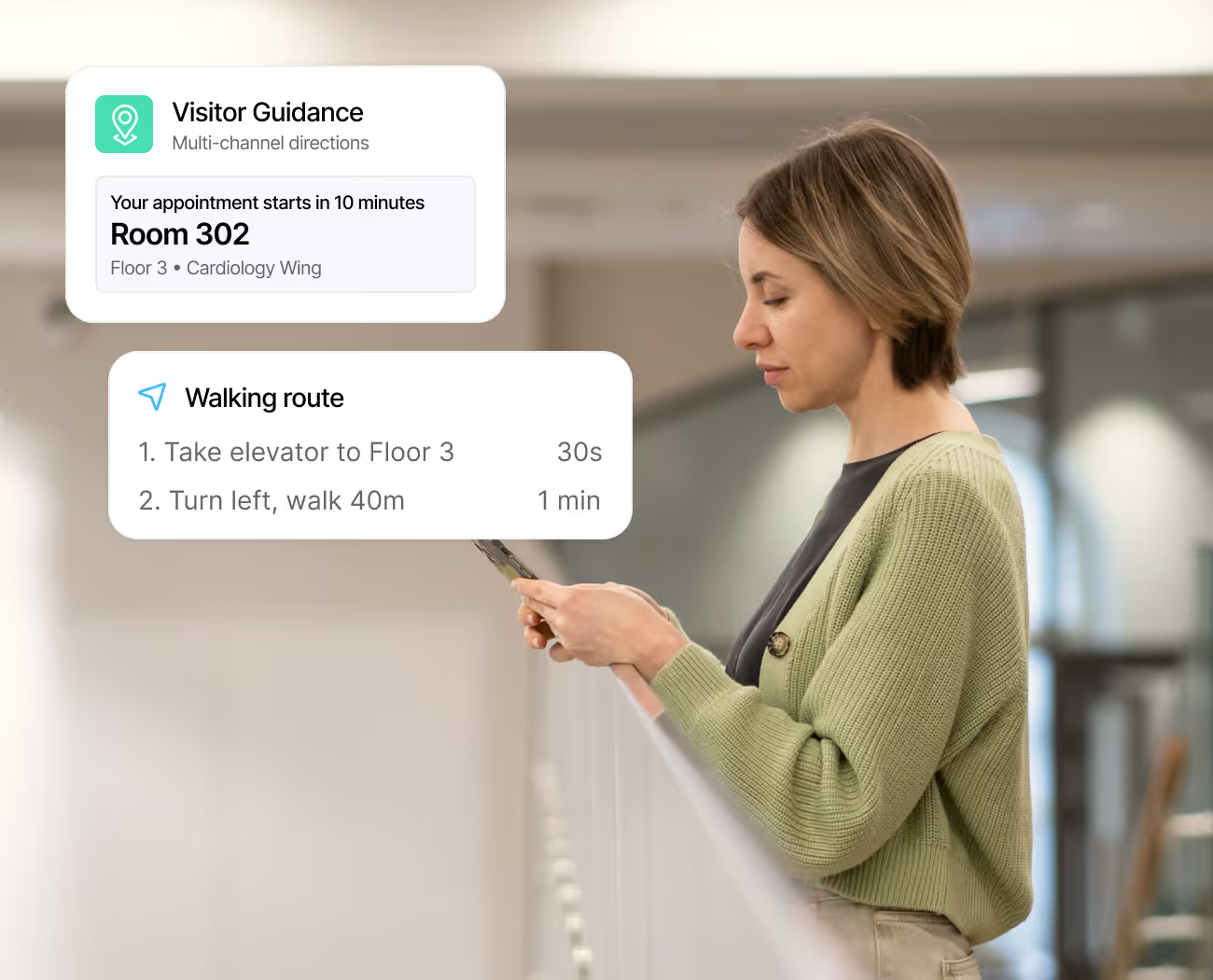
When a visitor checks in, directions to their host appear in the mobile app or the nearest lobby kiosk. Calendar invites link to room locations too, so patients, guests, and new hires reach the right door.
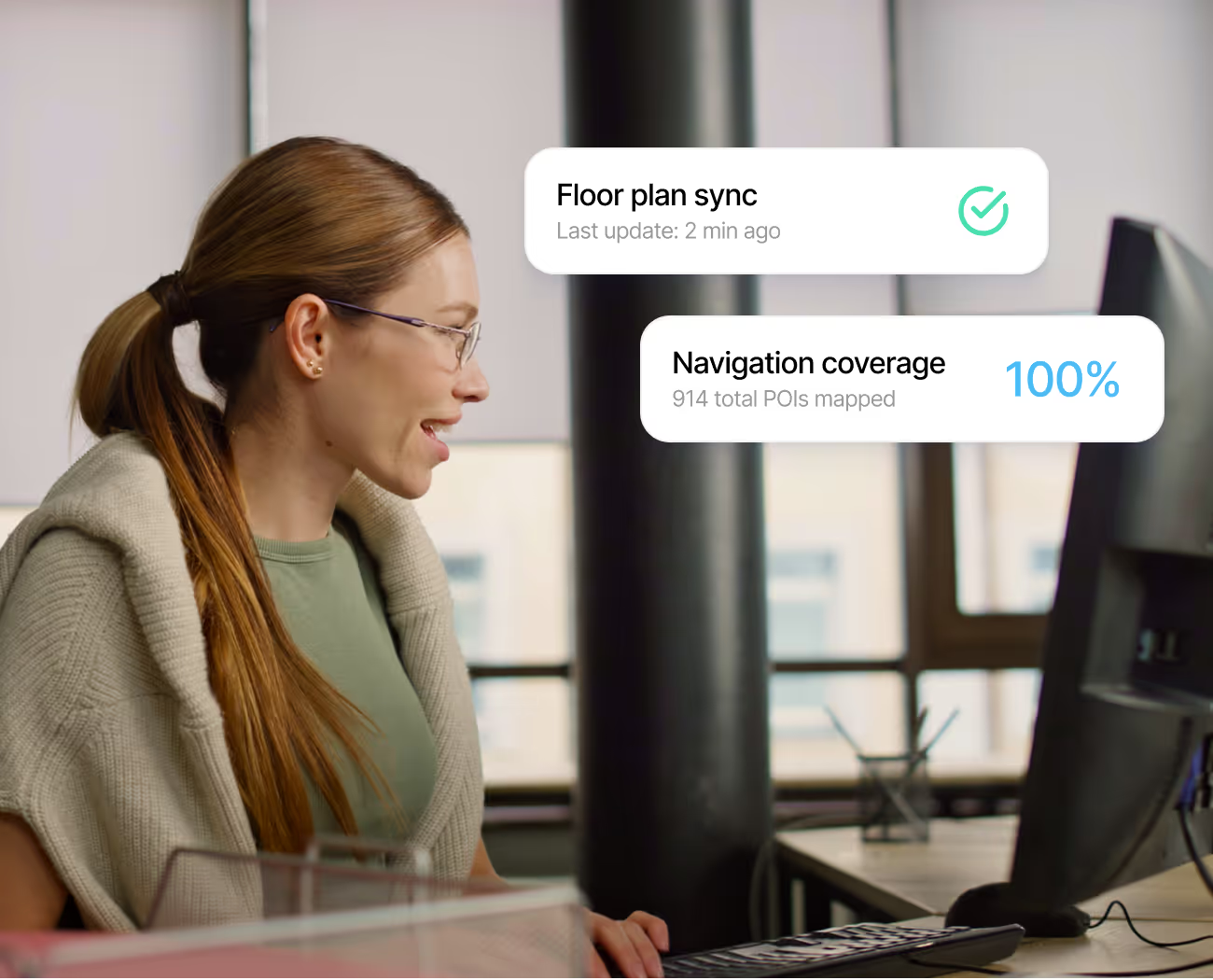
Add a hospital wing or a new campus and your people navigate it on day one. Floor plans are managed from one console, so every location runs on the same booking-connected maps.
Each feature below operates on the same interactive floor maps your people see on their phone, so the directions they follow to any room or colleague's location reflect live bookings and real-time facility conditions.
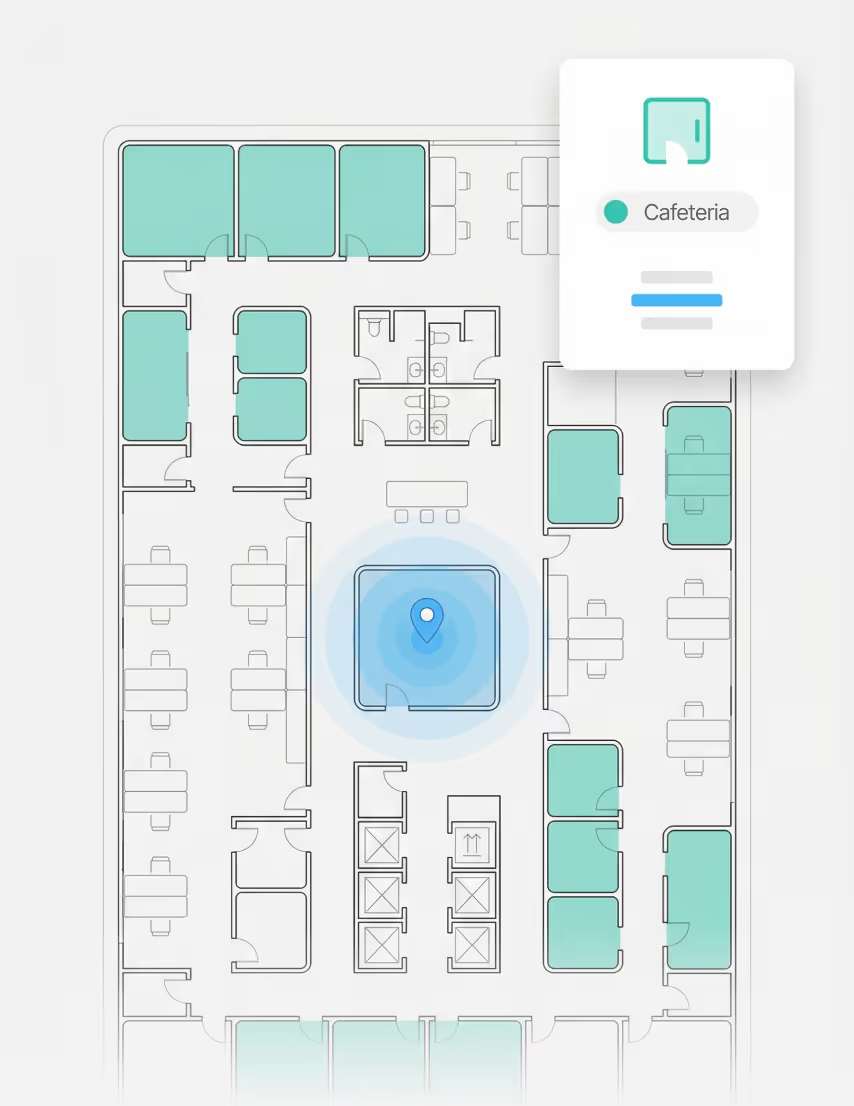
Rooms and amenities appear on a zoomable map of every floor. Tap any location for real-time details or directions.
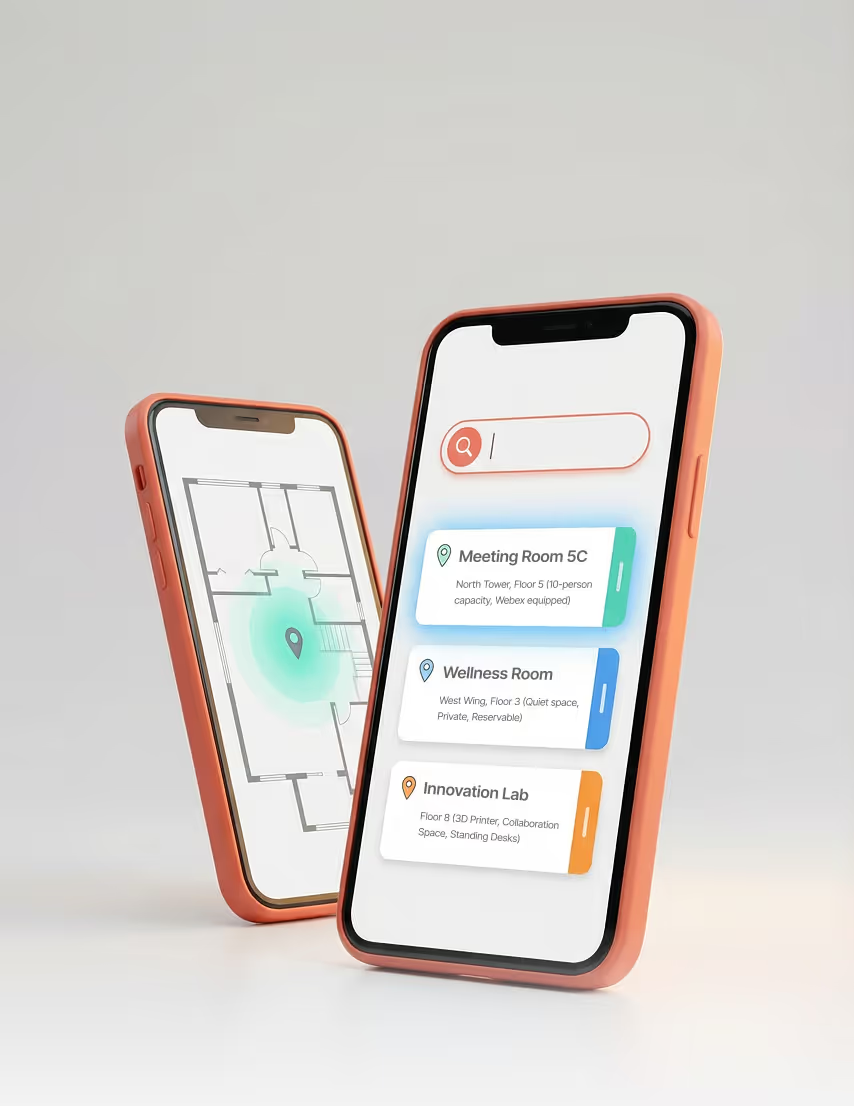
Search for any room or amenity by name and see its exact floor location. Tap the result for instant directions.
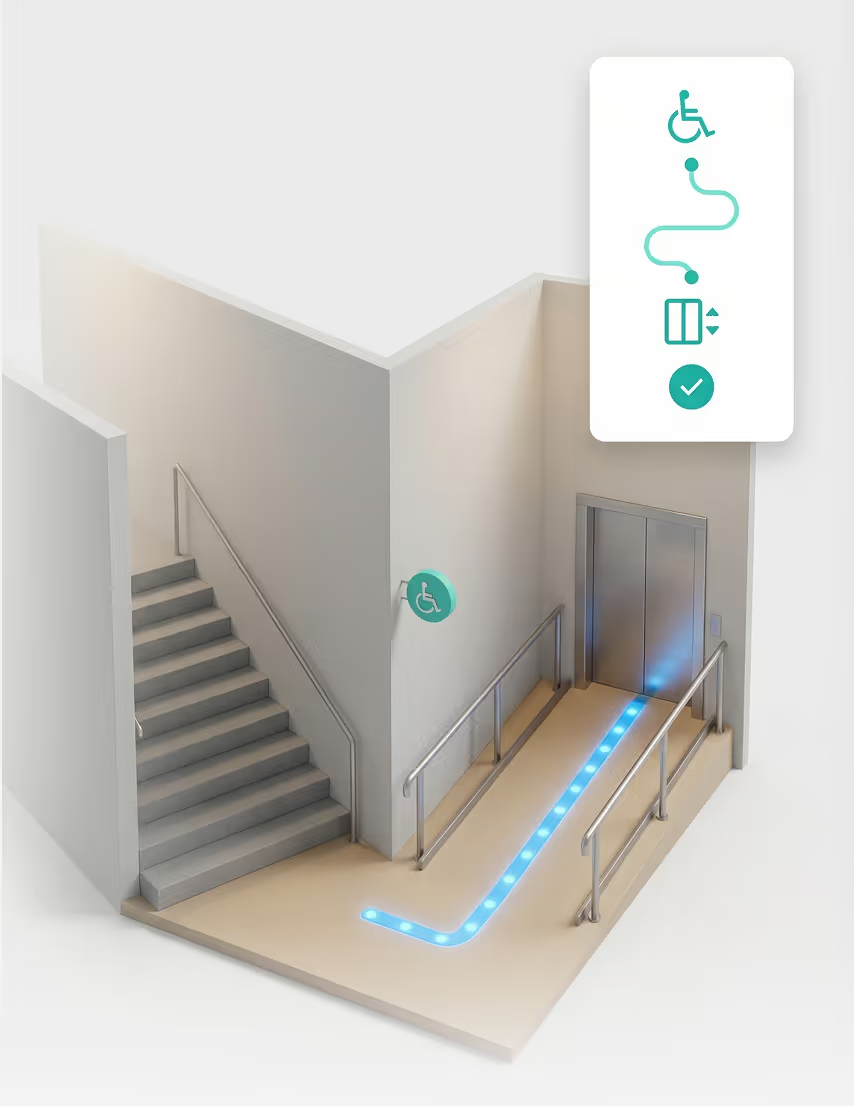
Routes include elevators and ramps at every floor transition point. Accessible pathways are always the default.
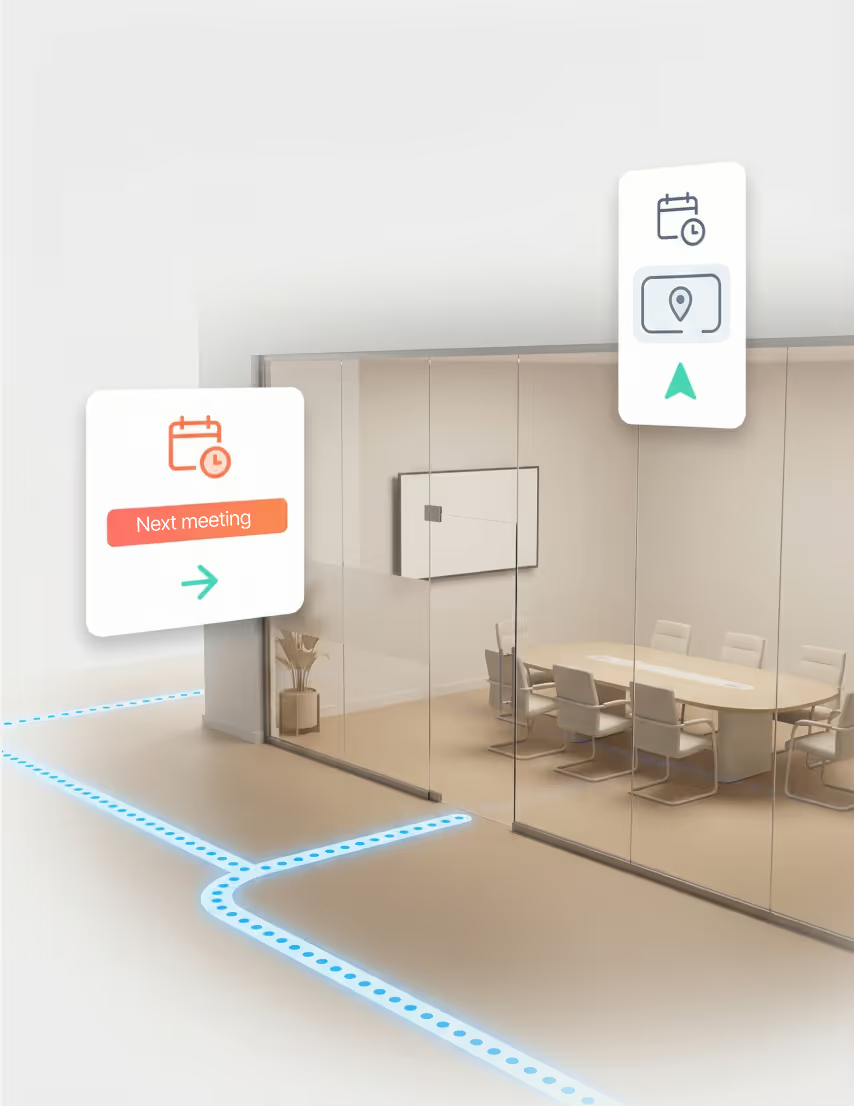
Open a room booking or calendar invite and directions to that room appear. Schedule and floor map stay linked.
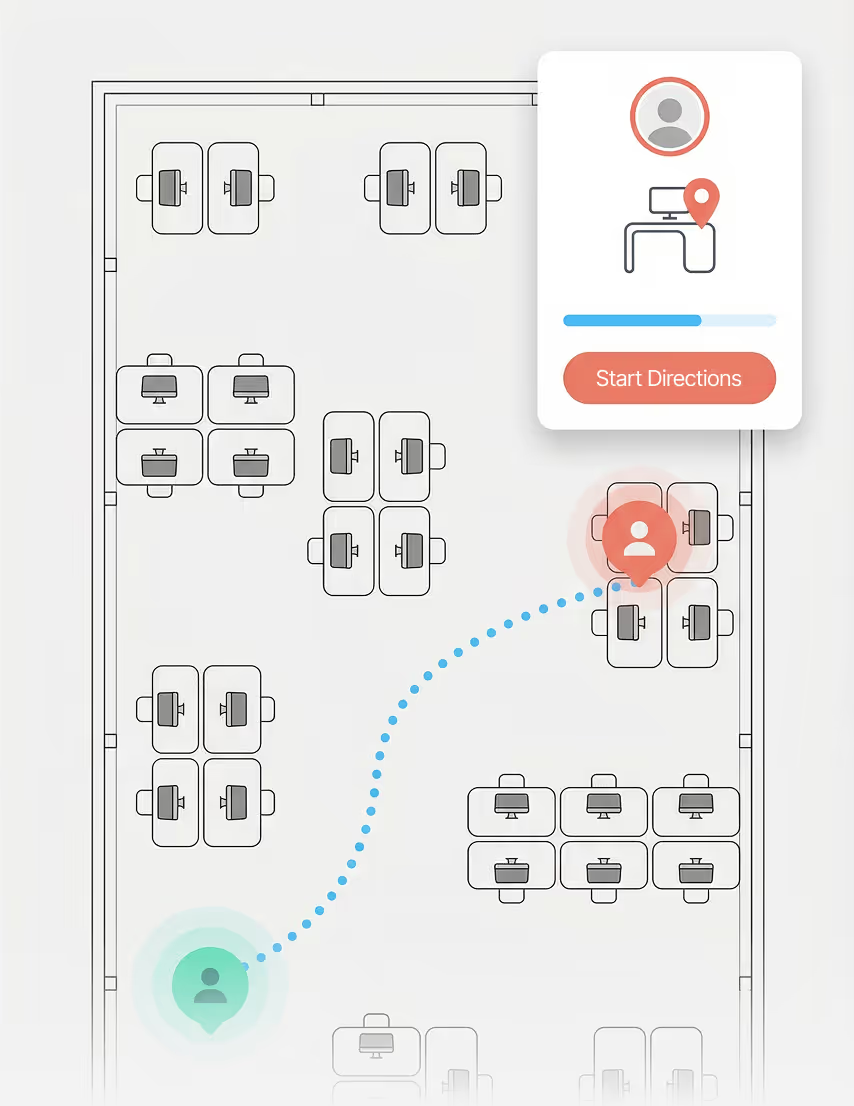
Find a colleague on the floor map and get walking directions to where they are. Team coordination gets easier.
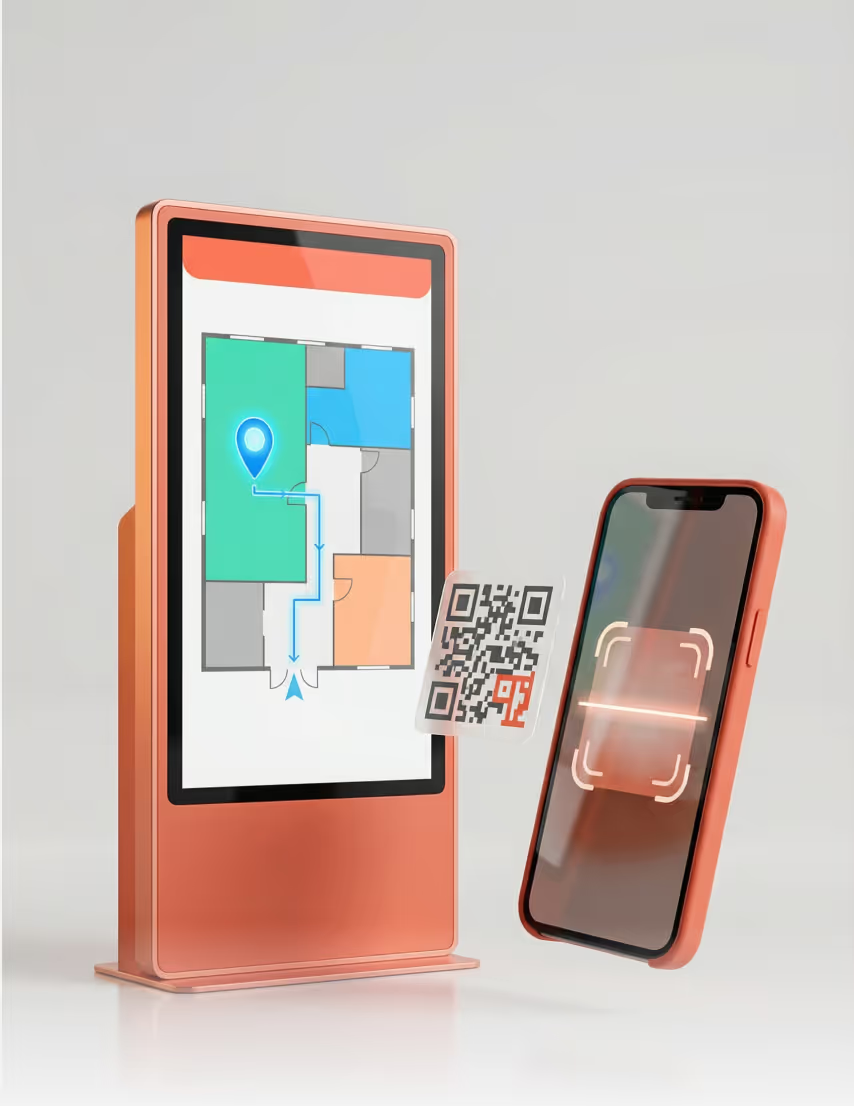
Scan a QR code at any entrance to anchor your position. Lobby kiosks show the same live floor maps to any visitor.

Indoor navigation touches facility operations, IT infrastructure, and occupant experience in different ways. Each role below sees the capabilities that matter most to their daily responsibilities.
You update floor maps and points of interest as spaces change across the facility. Every navigation route your people follow reflects the real layout of each floor today.
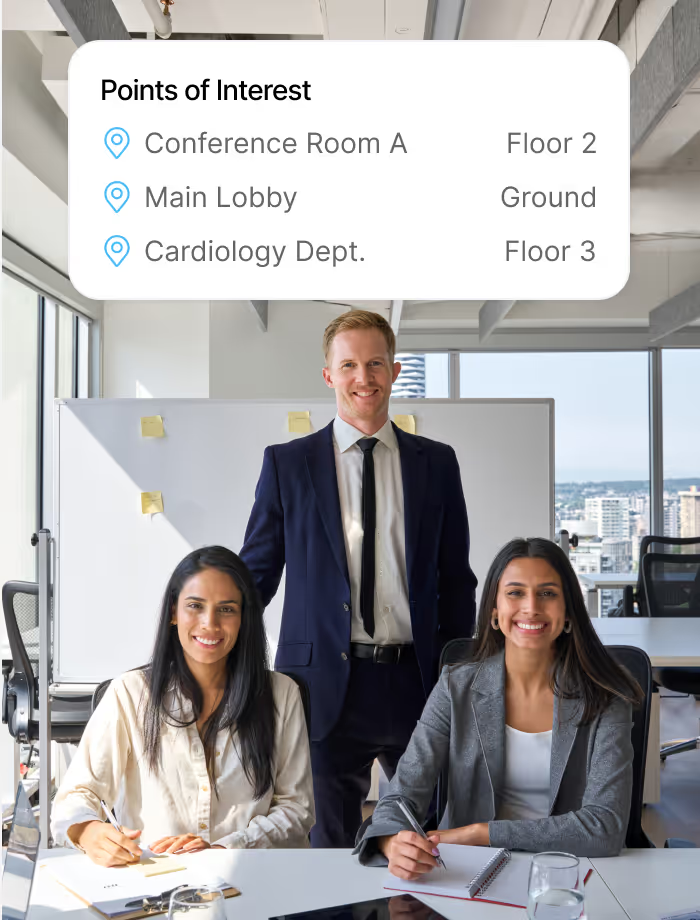
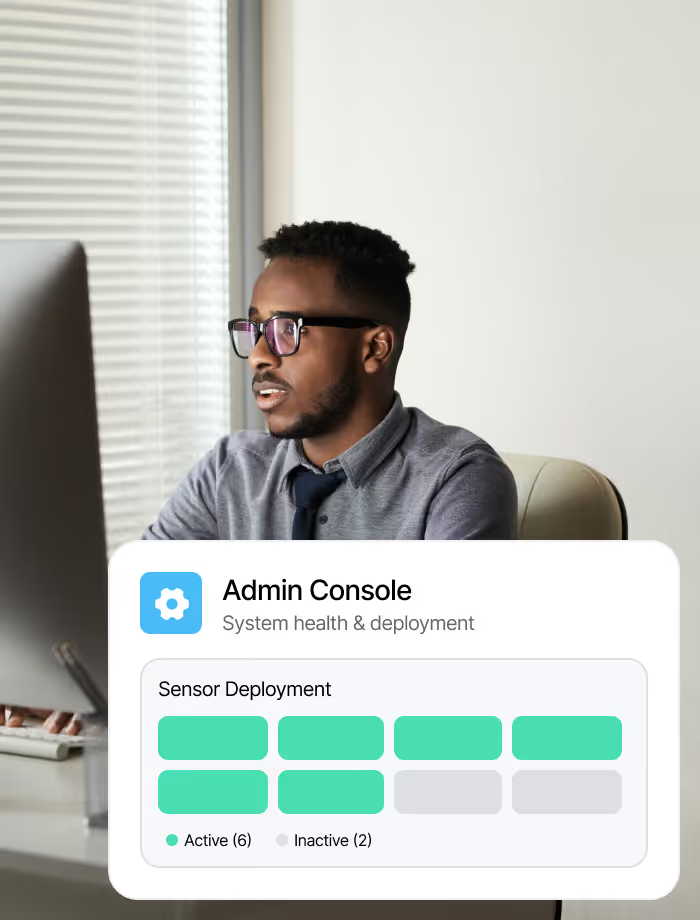
Manage floor plans and keep maps accurate across every facility from a single admin console. Desk booking and room calendar integrations stay current with no manual sync.
New arrivals find their way via lobby kiosks or the mobile app on their own phone. Booking-driven directions guide patients, students, and every guest to their reserved room.

Your existing systems stay in place. Bluecoin connects navigation to them, so routes stay in sync with bookings across your facility.





Indoor navigation uses interactive floor maps to guide people through a facility. Bluecoin places these maps on every person's phone via a mobile app, where they search for a room or colleague and see the route on the map. Routes update as bookings and room schedules change, so every map reflects the facility's current state.
Yes. Bluecoin connects indoor wayfinding to meeting room booking and desk scheduling directly. When someone reserves a room or accepts a calendar invite, directions to that location appear in the mobile app automatically. Visitor check-ins also trigger guided routes to the host's location, so the navigation layer stays connected to every booking and visit across your facility.
It can. Bluecoin guides patients through hospital wings to their appointment and students across campus buildings to their next class. The same interactive floor maps and wayfinding work in any large facility, from multi-story hospitals and research campuses to corporate towers. Lobby kiosks provide access for people who arrive without the mobile app.
Deployment depends on the size and complexity of your facility. The process starts with uploading your floor plans and configuring the interactive maps. Most organizations begin with a single floor or facility, validate the experience with their teams, and then scale across their campus. Our implementation team handles floor map configuration and integration with your booking and visitor systems.
ISO 27001:2022 and SOC 2 compliant, trusted by Fortune 500 organizations. All location and navigation data is encrypted in transit and at rest, with role-based access controls for admin consoles and floor map management. Enterprise deployments include data residency options and tenant isolation for organizations operating across multiple regions.
Bluecoin connects indoor navigation directly to your desk booking and meeting room systems. When an employee books a desk or accepts a meeting room invite, directions to that exact location appear in the mobile app. The same integration works in reverse: navigate to a colleague's desk and the system shows their current booking status. This connection between navigation and scheduling is native to the platform and does not require additional configuration.
Privacy is important to us, so you have the option of disabling certain types of storage that may not be necessary for the basic functioning of the website. Blocking categories may impact your experience on the website. More information