Any facility.
Complete intelligence.



Bring existing fixtures into one control layer through exclusive APIs and open protocols. Wired or wireless, access every light in one place.
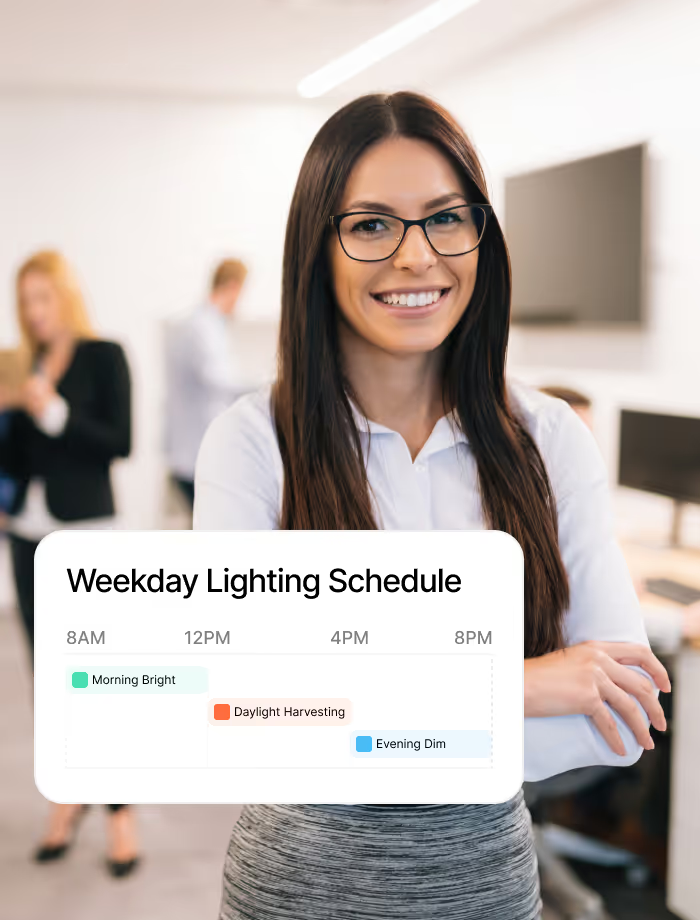
Seamlessly apply scene presets for focused work or open collaboration. Assign schedules and let occupancy sensors adjust output intuitively.


Your lighting management system feeds data into HVAC, desk booking, and energy analytics. When occupancy drops, cooling and lighting adjust together.
Your facility likely runs lighting from multiple vendors, each with its own dashboard. A lighting management system above that hardware brings occupancy based lighting control, verified savings, and building lighting automation.

Most buildings run lighting from separate vendor dashboards. A unified control layer brings every fixture and schedule into one view, so your team manages lighting from a single place.
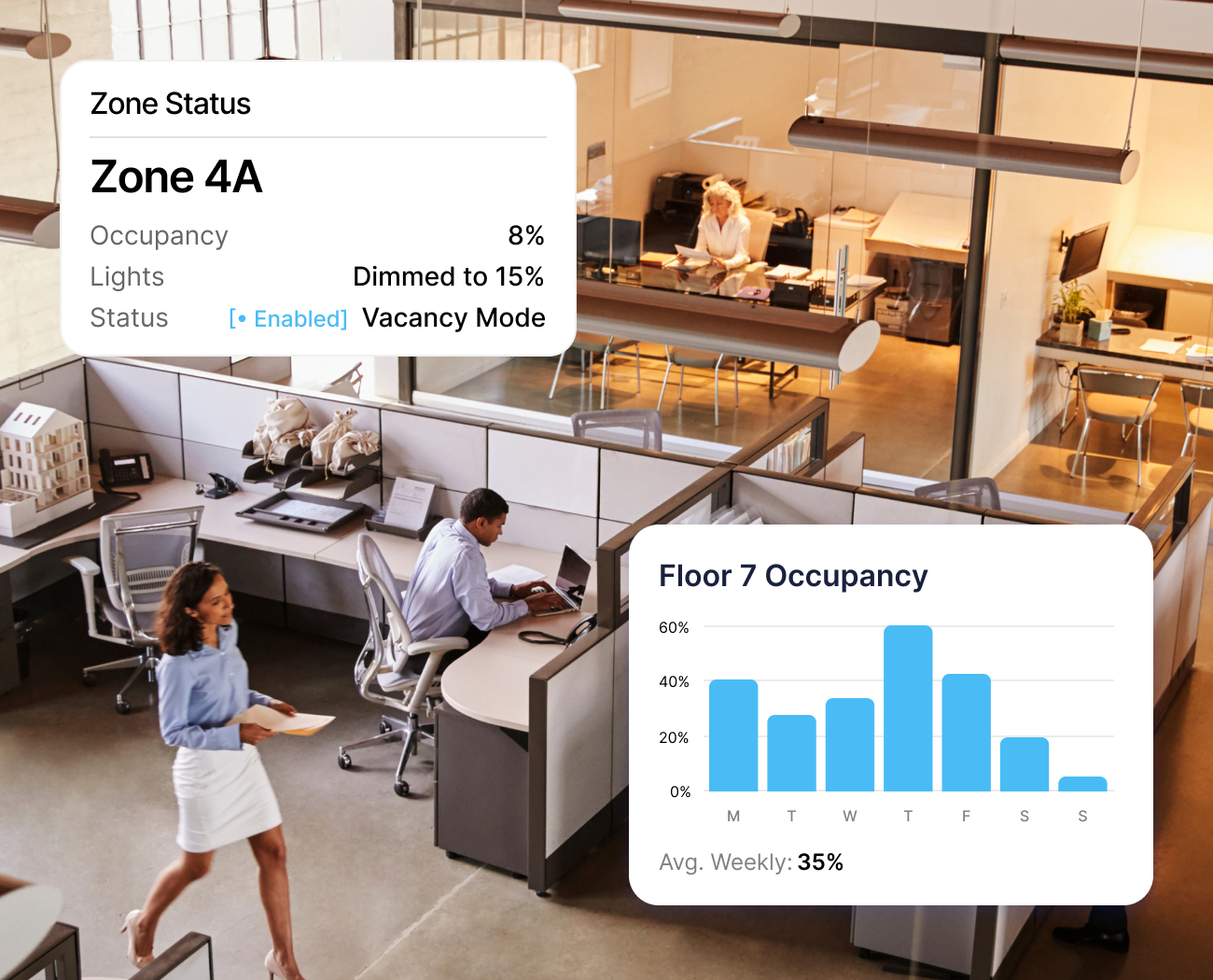
Desk bookings and sensors feed occupancy signals into lighting zones. Spaces dim when empty and pre-condition before arrivals. Your lighting responds to real patterns, not fixed timers.
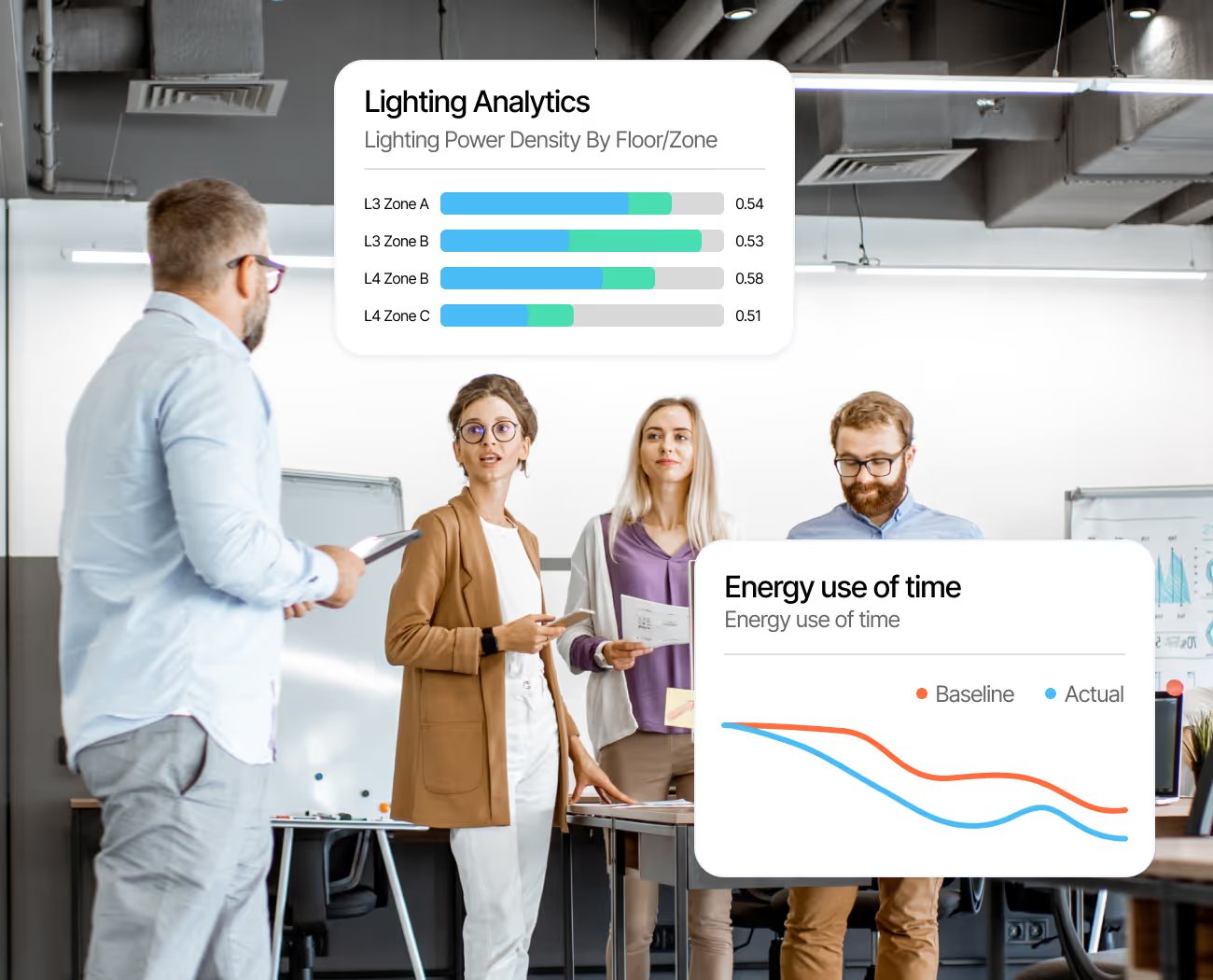
Track lighting power density by floor, zone, and time period. Compare baselines against actuals with compliance-ready analytics for various audits. Speak to our team to learn more.

In a hybrid workplace, occupancy patterns shift week to week and lighting schedules follow. Zones scale back on light days and ramp when floors fill. Efficiency grows without adding staff.
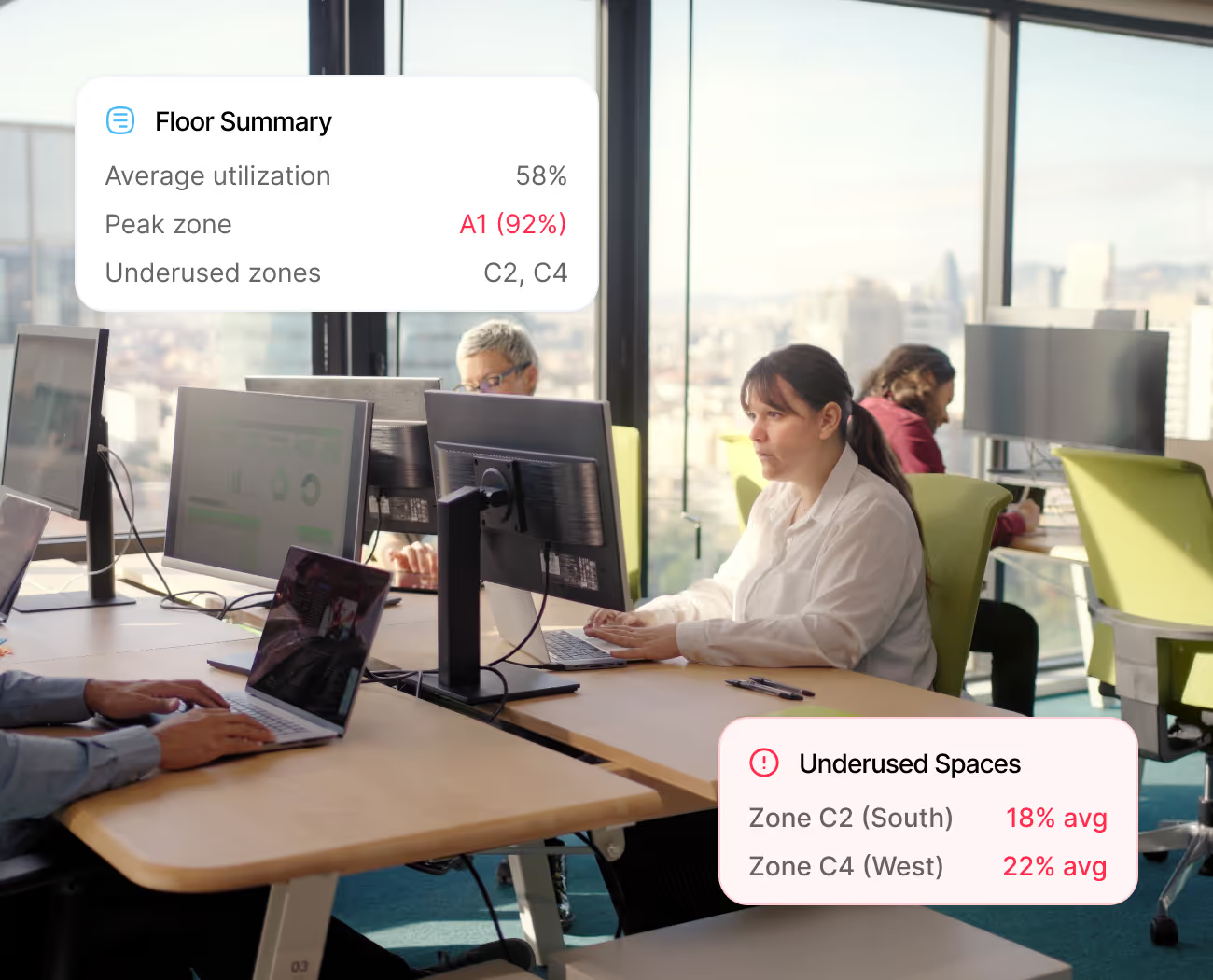
Every lit zone becomes a data point. Aggregate occupancy across floors to spot utilization trends, underused spaces, and align lighting and HVAC schedules to how teams actually work.
Scheduling, scenes, and daylight response are expected. The difference is cross-system intelligence that connects your lighting to the rest of your building.
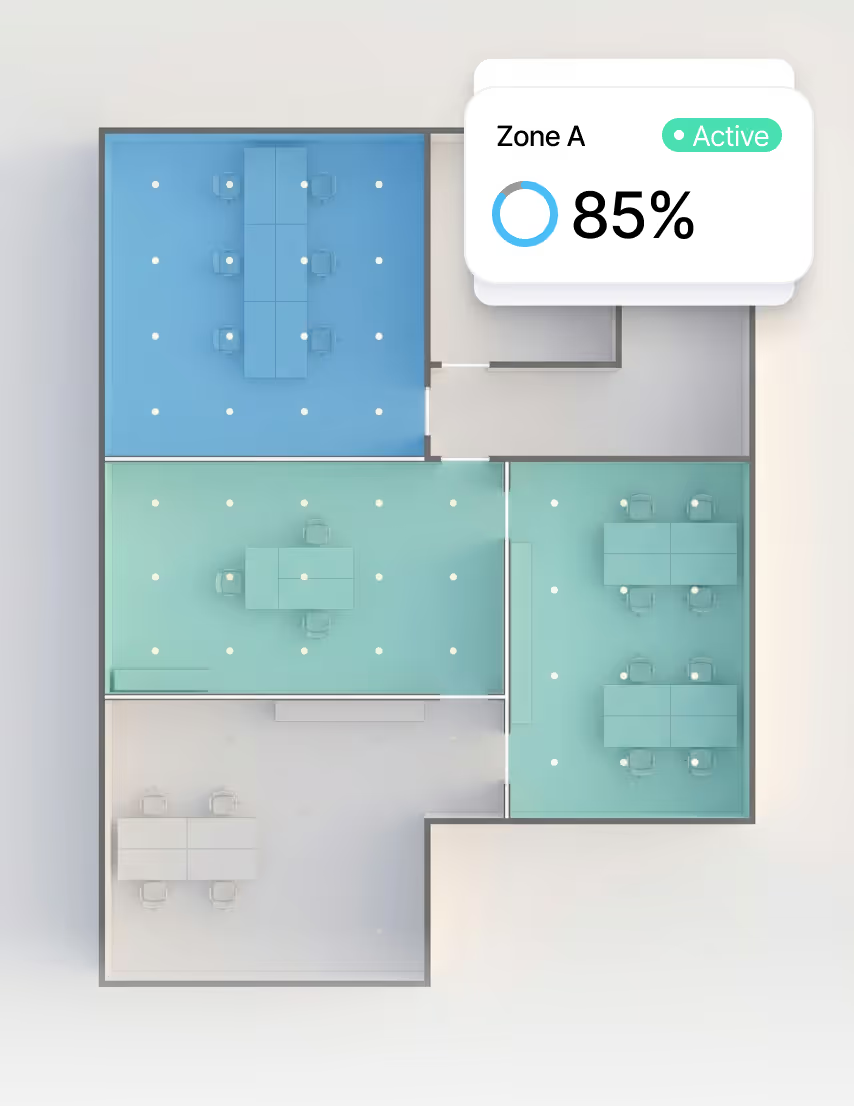
Assign schedules, dimming levels, and occupancy modes at the zone or individual fixture level across floors.
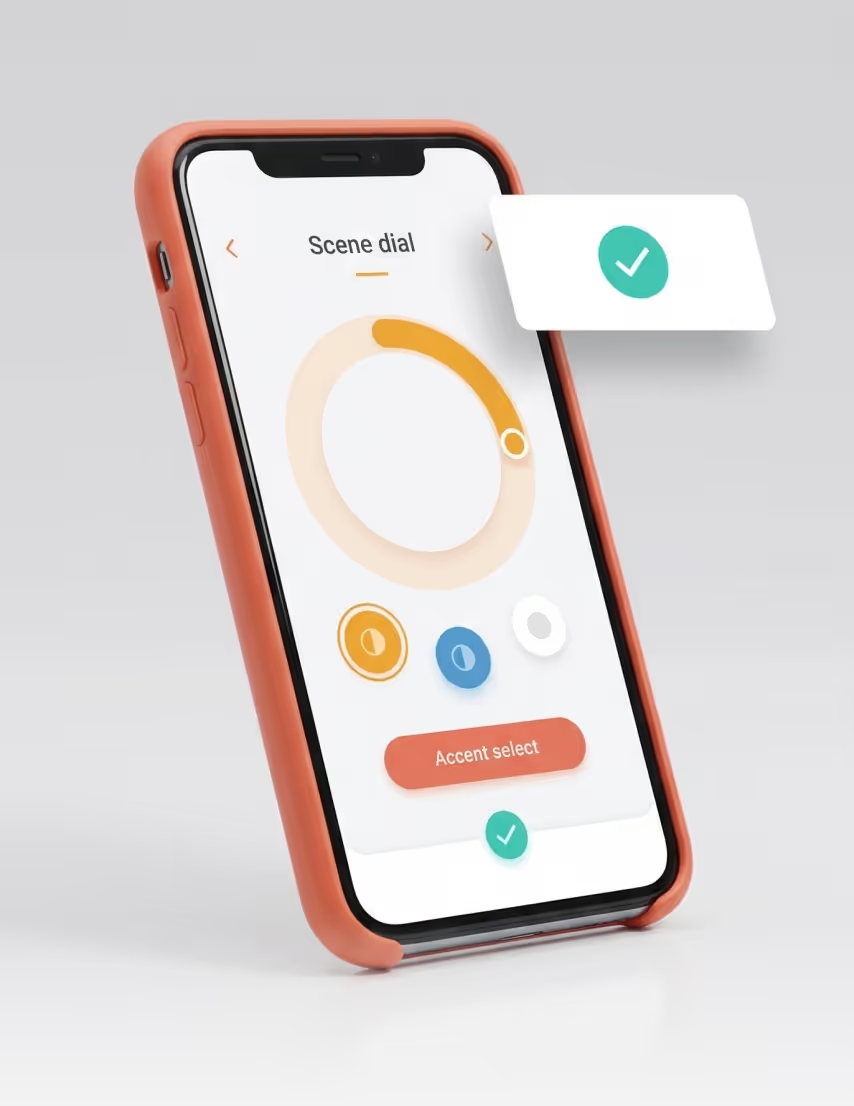
Choose presentation, cinematic, or custom profiles per zone. Switch scenes from the dashboard or on occupancy.

Whoever books a meeting room controls its lighting during the booking window. Shared rooms stay on policy.
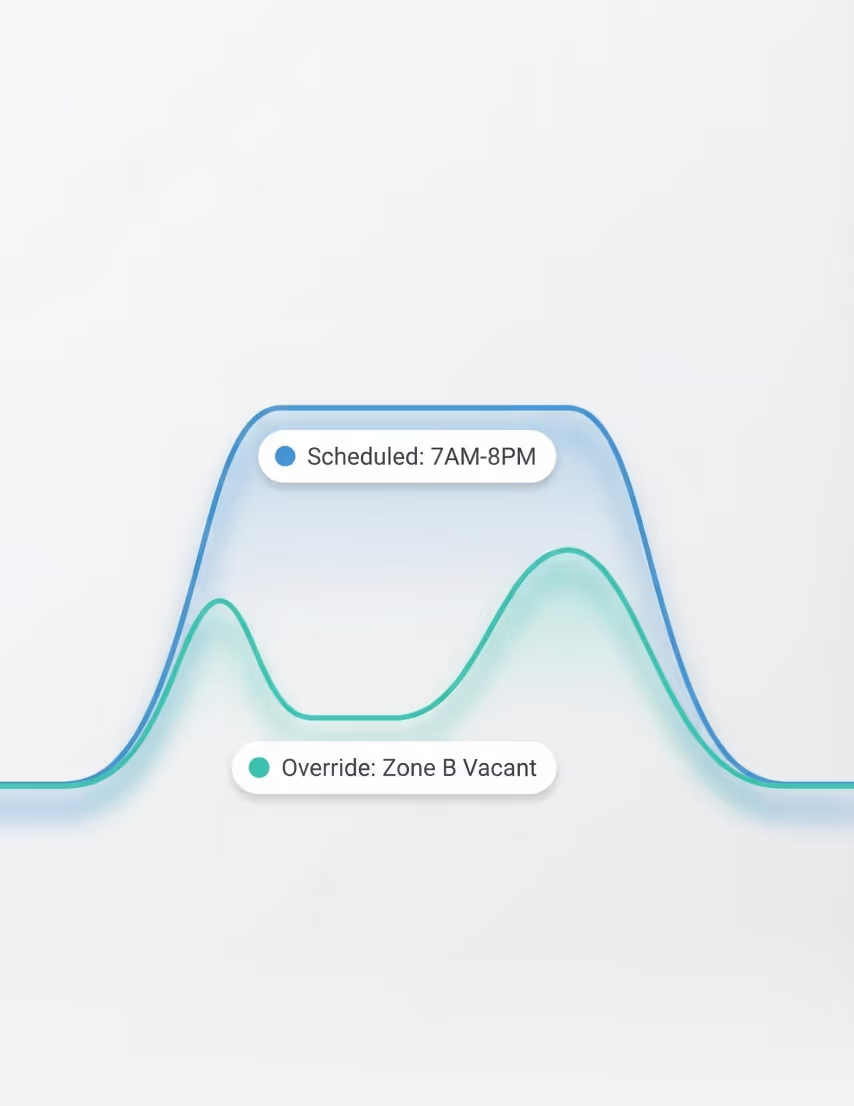
Set time-based or calendar-driven rules by zone, floor, or tag. Teams create their own schedules post-deployment.
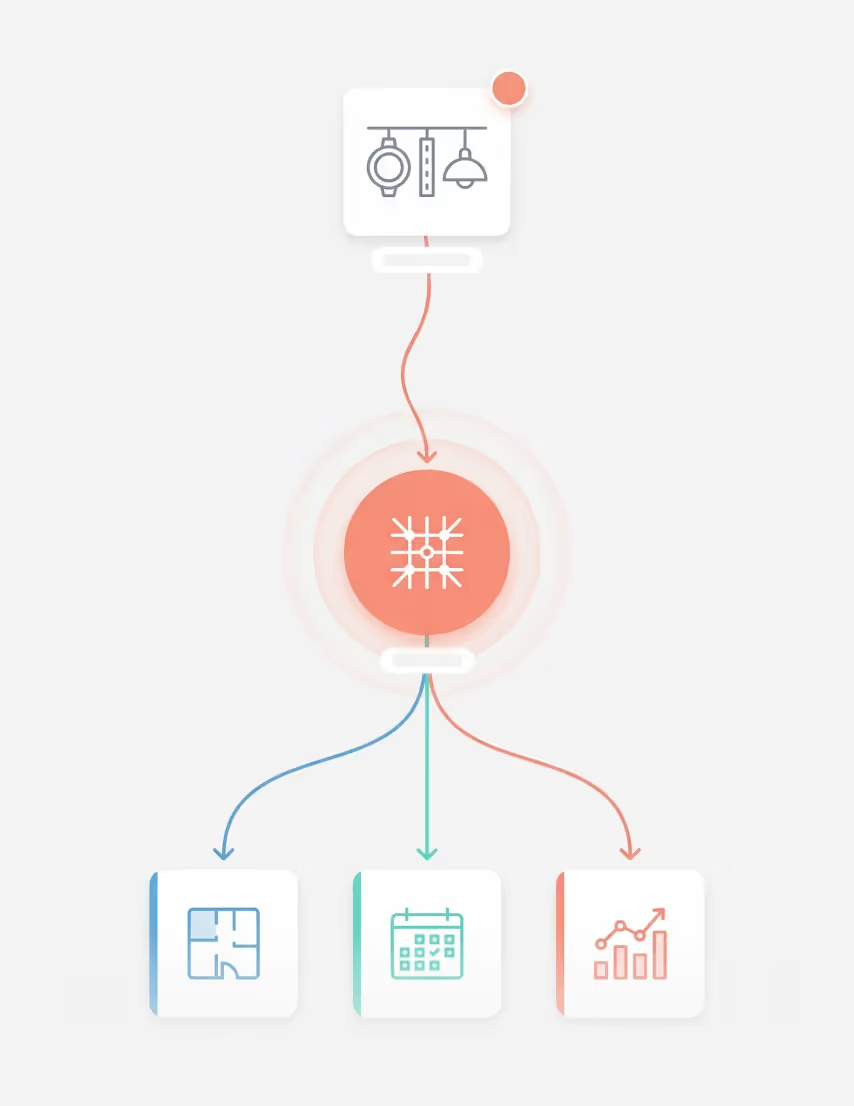
Smart lighting control software that manages wired, wireless, and dimmable lighting of any brand through one interface.

Occupancy based lighting control feeds HVAC scheduling, desk booking, and energy analytics. Systems respond as one.








Every floor, every fixture, every schedule. Accessible through a single question. Unified lighting becomes an AI-ready layer that connects occupancy, booking, and live fixture data to deliver instant, plain-language answers for your team.
Ask which rooms are dark but booked, which floors are underused, or where a driver failed. Plain answers from live data.

Surface space-planning signals from lighting occupancy. Trend energy by zone, floor, or vendor. Patterns become planning.

Offline devices, driver failures, and dimming anomalies surface with context and next-action recommendations.
Average response time. Ask about any zone, any metric, any time period.
Connected building capabilities feeding context into answers your AI delivers.

Lighting operations touch every role in your facility. The teams coordinating schedules across floors, the people tracking energy against baselines, and leaders balancing operational cost with comfort.
Every lighting system across vendor on one dashboard. Schedules, scenes, and occupancy rules apply across all fixtures, so your team manages the full deployment from one view.

Track lighting power density by floor and zone. Compare baselines against actuals with reporting built for industry leading audits and compliance, so your energy savings come with added benefits.
Operations teams govern the full lighting portfolio from one interface. Schedules, faults, and utilization unified across every floor, every vendor.

Connect DALI-2 and fixtures through exclusive APIs and open protocol drivers into one layer.
Bluetooth Mesh and wireless RF lights join the platform without new cabling. Retrofit-ready.
Communicates with building controllers through BACnet and Modbus for centralized lighting.
Lighting and HVAC harmonize when occupancy from lighting zones trigger HVAC automations.
Desk reservations pre-condition lighting zones before arrival. No bookings stay dimmed.
Rooms illuminate before meetings begin, while scene presets match the room purpose.
Tracks lighting consumption by zone and floor. Reports savings against your facility baseline.
Lighting status on interactive floor plans. Spot zones that are on, dimmed, or in fault state.
Occupancy signals from lighting zones feed ventilation schedules, to trigger automations.
Shade position and fixture output coordinate for daylight harvesting for effortless automation.
Lighting occupancy feeds space planning. Right-size floors and plan real estate with truth.
Don't see your system listed?
Tell us what you need and we will connect it.


A lighting control system manages how luminaires operate across a building. It coordinates dimming, scheduling, occupancy sensing, and daylight response from a central interface. Systems range from standalone wall switches to networked platforms governing thousands of fixtures.
Lighting control systems fall into four tiers. Standalone controls use wall switches and sensors. Networked systems connect devices through a central controller. Luminaire-level control embeds sensors in each fixture. Platform systems unify vendors and protocols under one layer.
A networked lighting control system connects fixtures and sensors through a shared layer, typically DALI or wireless mesh. This enables centralized scheduling, occupancy automation, and energy monitoring from one interface. Operators gain visibility across all floors and zones.
DALI is a digital protocol for fixture-level control, addressing up to 64 devices per bus. BACnet is a building-wide protocol connecting subsystems like HVAC and lighting. DALI handles the fixture layer while BACnet integrates lighting into broader building operations.
Occupancy-based lighting uses sensors to detect whether a space is in use. When a zone registers as vacant, the system dims or switches off fixtures after a set timeout. Some platforms supplement sensors with desk booking and meeting room schedules for earlier response.
Lighting controls reduce energy through occupancy sensing, daylight harvesting, and scheduling. The U.S. Department of Energy reports that networked controls cut lighting energy use by 40 to 60 percent versus fixed schedules. Savings vary by space type and occupancy patterns.
Bluecoin is a software layer above your lighting hardware. Whether a floor runs Lutron, Signify, Dynalite, Casambi, or Zen Control, schedules, scenes, and occupancy rules apply from one dashboard. Teams manage every vendor from a single interface.
Every lit zone becomes a data point. Bluecoin aggregates occupancy from lighting, desk bookings, and sensors to show how floors are used over time. Teams spot underused spaces, right-size workstations, and align lighting and HVAC schedules with real usage.
Bluecoin monitors controllers, drivers, and network devices continuously. Offline devices, driver failures, and dimming anomalies trigger alerts in the Apptimus dashboard and mobile app. Teams see faults on interactive floor plans and fix them fast.
Privacy is important to us, so you have the option of disabling certain types of storage that may not be necessary for the basic functioning of the website. Blocking categories may impact your experience on the website. More information